
Metadata Health
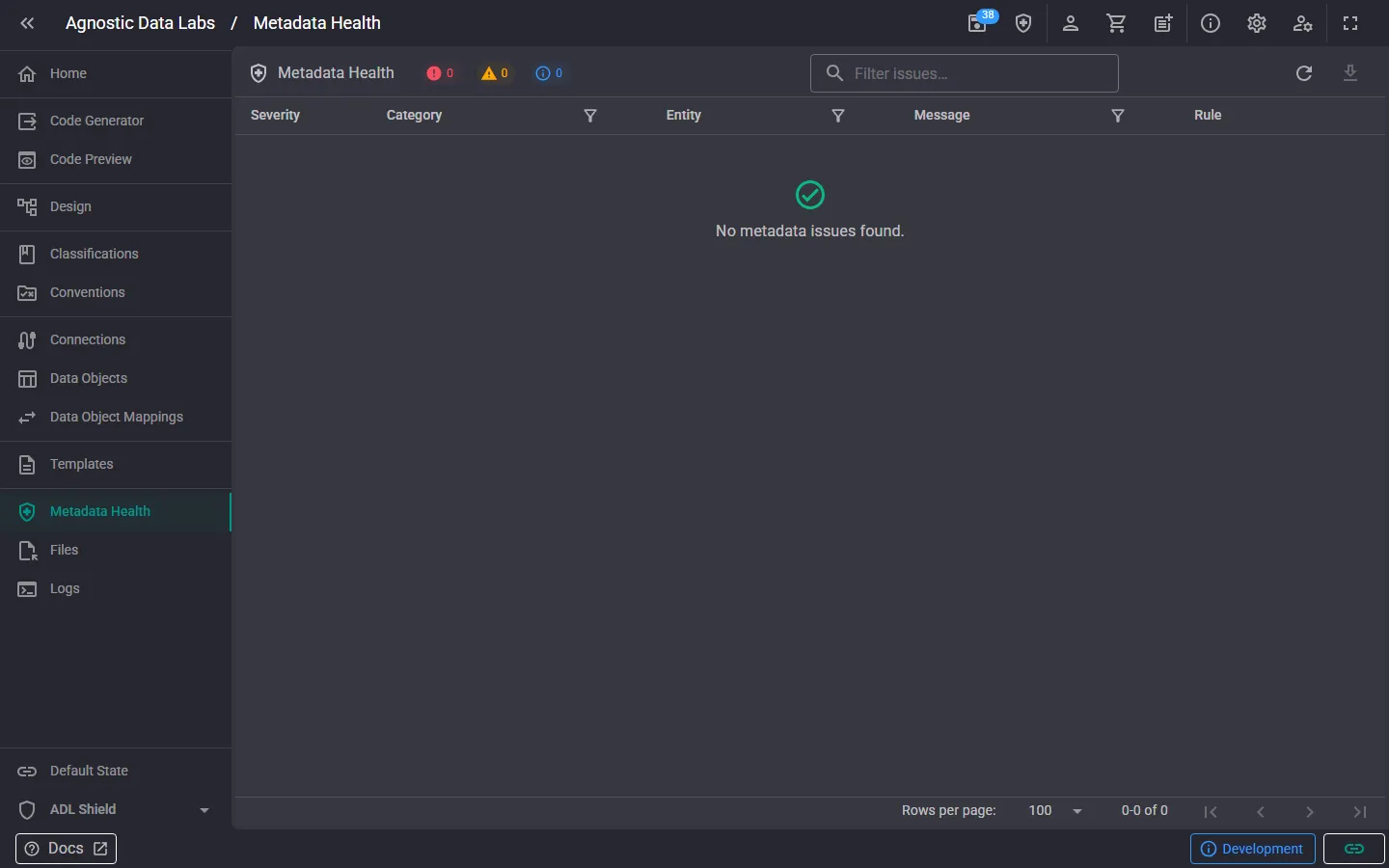
health_and_safety The Metadata Health screen checks the metadata loaded in your project against a set of validation rules and lists everything it finds — broken references, duplicate identifiers, empty business keys, classification problems, and similar issues. It catches the kind of problems that would otherwise silently break the Design view or code generation.
What you can do here
Section titled “What you can do here”Review issues
Section titled “Review issues”Issues appear in a grid, grouped by category, with columns for severity, the entity involved, a message describing the problem, and the rule that raised it. Each issue has a severity:
- Error: a broken reference or invariant that silently breaks diagram rendering or code generation.
- Warning: a likely-problematic condition worth reviewing, but not necessarily breaking.
- Info: an informational signal that is often acceptable.
Classification issues are checked against the project’s central Classifications registry (the reference list), so embedded classification references that are blank or don’t match a registered classification are flagged.
Filter and search
Section titled “Filter and search”- Click a severity chip in the toolbar to show only issues of that severity (the chips also show the count per severity).
- Use the filter box to search within the issues.
- Click a rule ID to jump to that rule’s definition and details.
Act on issues
Section titled “Act on issues”- The open button on each row navigates straight to the offending object so you can fix it.
- Re-run validation after making changes to confirm the issue is resolved.
- Export the issue list as Markdown or JSON — useful for review sessions or tickets.
Configuring validation
Section titled “Configuring validation”Validation is configured in Configuration → Validation Rules:
- Turn Metadata Health validation on or off for the project. When off, validation doesn’t run and the issue badge, page, and pane are hidden.
- Enable or disable individual rules.
- Override each rule’s severity (Error / Warning / Info).
Changes apply on save and re-run validation immediately.
- Start with Errors. They break rendering or generation; Warnings and Info can wait until the Errors are clean.
- Run it before generating. A quick health check before a big generation run saves chasing template errors that are really metadata errors.
- Tune rules to your project. If a rule doesn’t fit how your project works, lower its severity or disable it rather than living with noise.
Related
Section titled “Related”- Configuration — Enable/disable rules and set severities
- Classifications — The reference list that classification checks validate against
- Data Objects — Where most fixes happen