Classifications
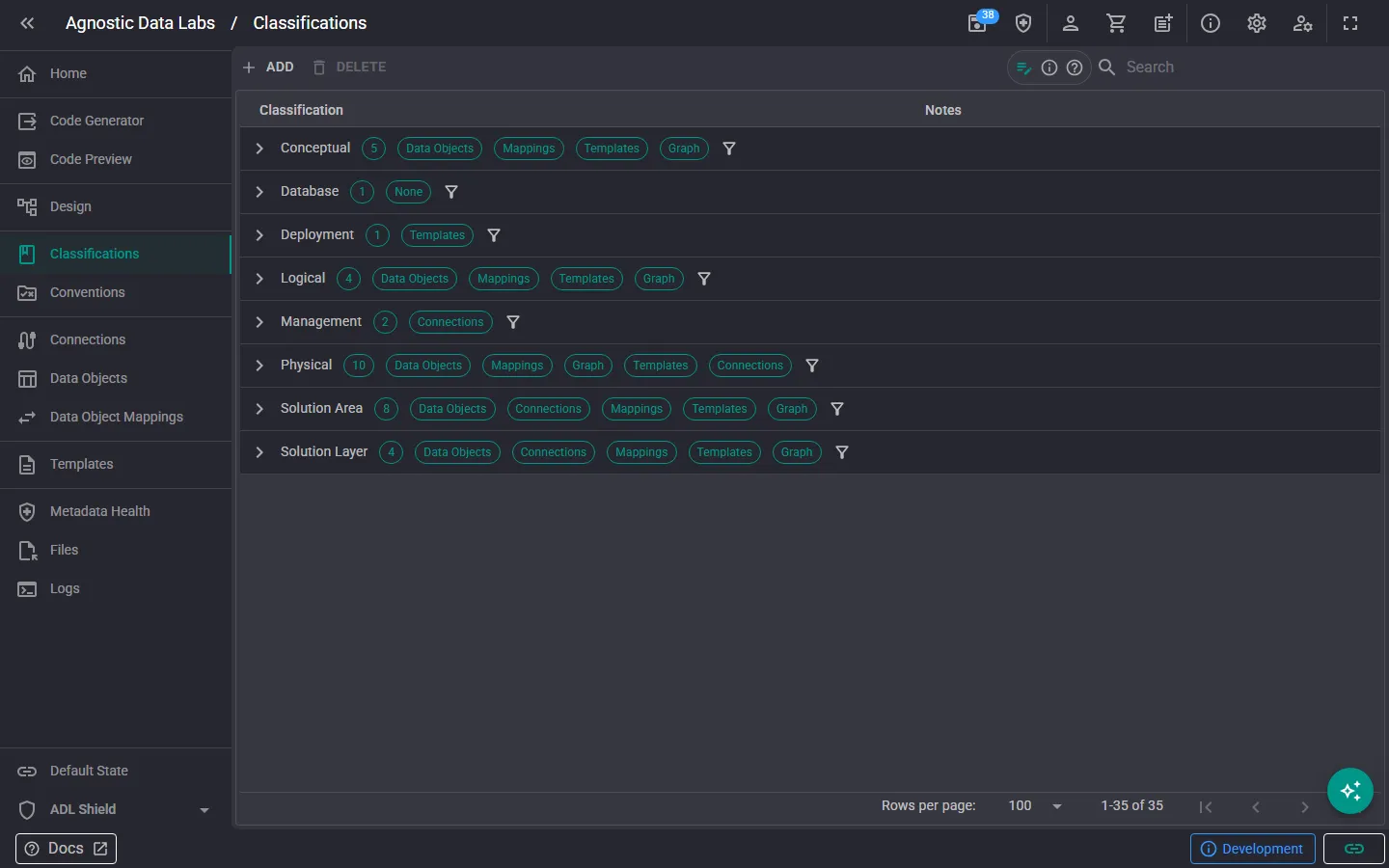
class The Classifications screen is where you create and manage the classification tags used across your project. Classifications help you track things like data sensitivity, compliance requirements, and organizational categories.
What you can do here
Section titled “What you can do here”Create and manage classifications
Section titled “Create and manage classifications”- Add new classification types to define categories that make sense for your project (e.g., PII, Sensitive, Confidential).
- Edit existing classifications to update names, descriptions, or colors.
- Delete classifications you no longer need.
- Browse all classifications in your project.
Apply classifications to metadata
Section titled “Apply classifications to metadata”Once you’ve created your classification types, you can apply them to:
- Data objects: tag entire tables or views.
- Data items: tag individual columns (e.g., mark an “Email” column as PII).
- Data connections: tag connections that hold sensitive data.
Classifications are applied from the respective object screens (Data Objects, Connections).
Why classifications matter
Section titled “Why classifications matter”- Compliance: regulations like GDPR and HIPAA require you to know where sensitive data lives. Classifications give you a clear inventory.
- Template logic: templates can use classifications to generate different output for different types of data. For example, a documentation template might highlight PII columns.
- Organization: filter and group objects by classification to quickly find what you’re looking for.
For more on the concepts behind classifications, see Classifications.
- Start with the basics: a few well-chosen classifications (PII, Sensitive, Source, Target) go a long way. You can always add more later.
- Be consistent: agree with your team on what each classification means and apply them uniformly across the project.
- Use them in templates: classifications are most valuable when your templates reference them to adjust generated output.
Related
Section titled “Related”- Classifications (Concepts) — Understand the concepts behind classifications
- Conventions — Another way to enforce standards
- Data Objects — Where you apply classifications to objects and columns