

Code Preview
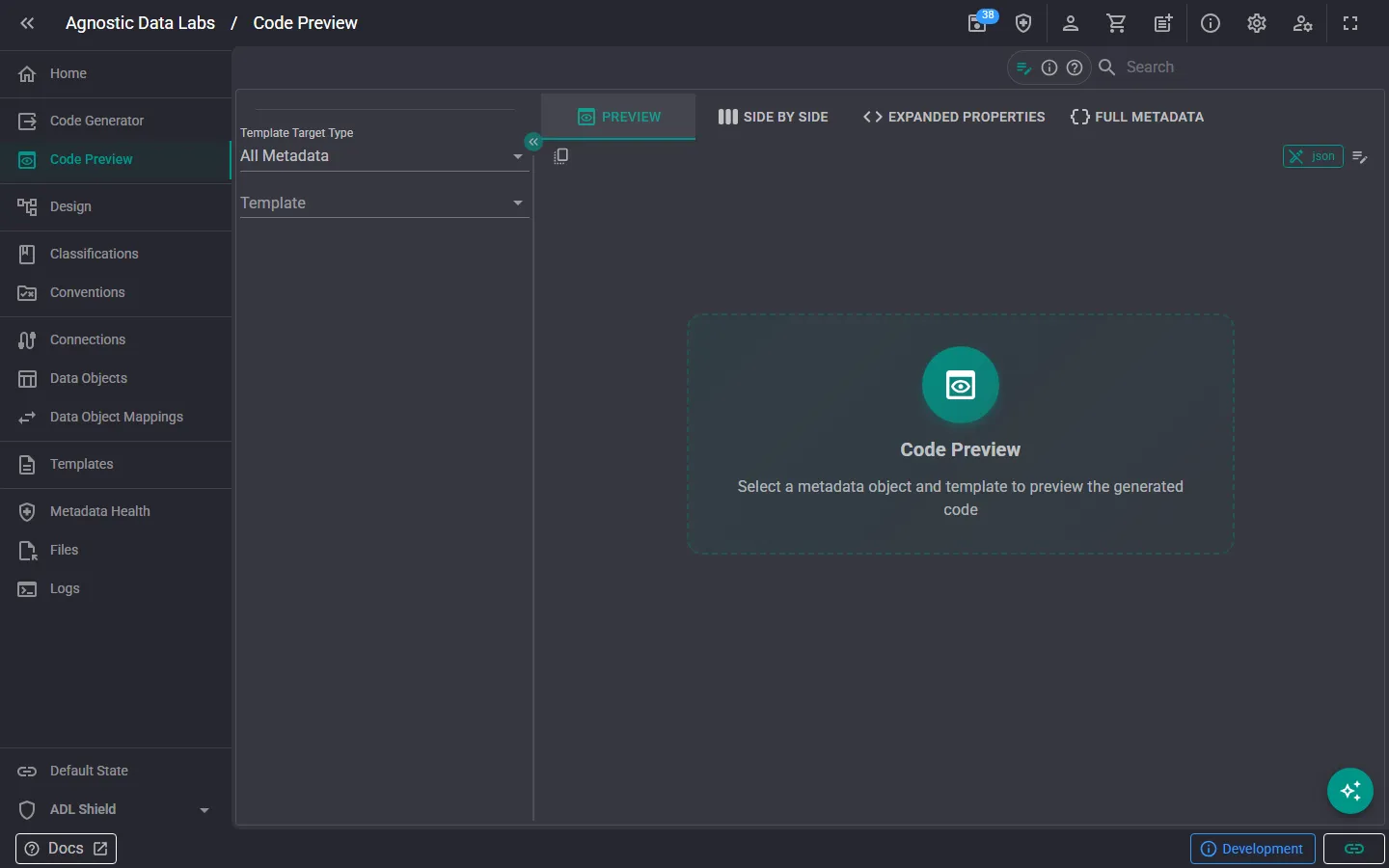
preview The Code Preview screen lets you see what a template will produce for a specific data object — without generating any files. It’s your sandbox for testing and fine-tuning templates.
What you can do here
Section titled “What you can do here”Preview template output
Section titled “Preview template output”Select a data object and a template, and ADL will show you exactly what the generated output would look like. This gives you a fast feedback loop for:
- Testing new templates: write a template and immediately see if it produces the output you expect.
- Debugging issues: if generated output doesn’t look right, the preview helps you pinpoint what needs to change.
- Exploring built-in templates: see how the included templates render against your own metadata.
Compare and iterate
Section titled “Compare and iterate”You can switch between different data objects and templates to compare output. This is especially useful when:
- Verifying that a template works correctly across different data objects with varying column counts, data types, or relationships.
- Checking that conditional logic in your templates handles edge cases properly.
- Use this before the Code Generator. It’s much faster to catch issues in the preview than to generate all files and then hunt for problems.
- Try different data objects. A template might work perfectly for one object but produce unexpected results for another, so test with a few different objects to be sure.
- Keep it open while editing templates, switching between the Templates screen and Code Preview to iterate quickly.
Related
Section titled “Related”- Code Generator — Generate output for all mapped objects at once
- Templates — Create and edit your templates
- Handlebars Helpers — Helper functions available in your templates